The Ultimate Guide to Warehouse Management Systems (WMS) in 2026
What a WMS actually does, the six types on the market in 2026, a 10-step framework for choosing one, and a full terminology glossary. Updated for the AI and robotics shift reshaping the category.
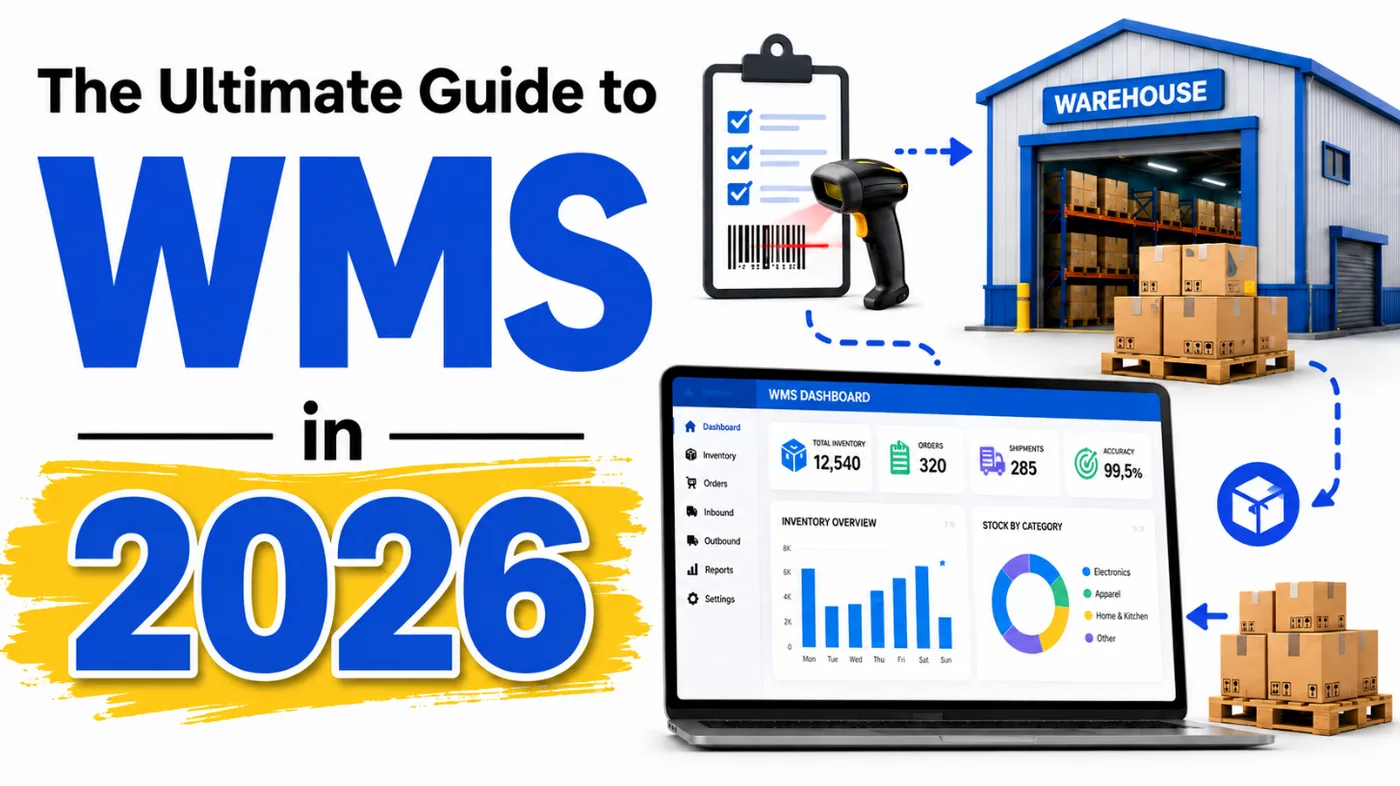
Every warehouse runs on a system, whether anyone chose it deliberately or not.
Sometimes that system is a proper WMS. Sometimes it’s a spreadsheet, a whiteboard, and one person who knows where everything actually is.
The second kind works right up until that person goes on holiday.
What is a Warehouse Management System?
A Warehouse Management System (WMS) is the software that runs the physical side of a warehouse: receiving stock, putting it away, picking it, packing it, shipping it, and keeping an accurate, real-time count of what’s left.
Done properly, it replaces guesswork with a live picture of your inventory. Done badly, or not at all, you get stockouts you didn’t see coming, overselling you have to apologise for, and a warehouse team that spends half its day walking around looking for things.
If you’re a brand, you’ll meet a WMS indirectly, through the 3PL that runs it. If you’re a 3PL, it’s the backbone of everything you promise your clients. Either way, the choice of system (or your partner’s choice, on your behalf) shapes how accurate, how fast, and how scalable that operation actually is.
Why it matters more in 2026 than it did in 2024
Two years ago, “good enough” WMS software was table stakes. Now it’s a genuine point of difference.
Order volumes per SKU have gone up. Channel count has gone up: most growing brands are now live on Amazon, Shopify, TikTok Shop, and at least one marketplace, often all shipping from the same stock pool. Customers expect same-day dispatch and accurate delivery windows as standard, not as a premium option.
A WMS that can’t keep pace with that shows up fast, and it shows up as your problem, not your provider’s: cancelled orders, phantom stock, and customers who don’t come back.
The businesses getting this right are seeing it pay off in concrete ways:
- Lower operating costs. Better space utilisation and fewer wasted labour hours cut the cost per order.
- Higher customer satisfaction. Accurate, fast fulfilment means fewer support tickets and more repeat buyers.
- Better inventory accuracy. Real-time visibility kills the two expensive failure modes: stockouts and dead stock tying up cash.
- Real scalability. A system built to flex means peak season is a volume problem, not a system-replacement problem.
The core functions of a WMS
- Inventory management. Real-time visibility of what you hold, where it sits, and its status, from goods-in to goods-out.
- Receiving and put-away. Inbound stock gets checked, sorted, and shelved in the right place with minimal manual handling.
- Order fulfilment. Picking, packing, and shipping, with strategies like batch, zone, or wave picking to keep throughput up as volume grows.
- Shipping. Labels, documentation, and carrier handoff, tied directly to live inventory so stock updates the second something leaves the building.
- Labour management. Visibility into who’s doing what, and how efficiently, so staffing decisions are based on data, not gut feel.
- Reporting and analytics. The numbers that tell you what’s actually happening: trends, bottlenecks, and where the next problem is coming from before it arrives.
The types of WMS on the market in 2026
Standalone / entry-level WMS
A focused system that runs warehouse operations only, not integrated with a wider ERP or TMS. Built for a single warehouse and usually self-service, with support and pricing to match.
Best for: SMEs and growing 3PLs with straightforward requirements who don’t need deep system integration yet.
Mintsoft (part of Access Group) remains the entry-level default in the UK 3PL market. It’s the single most common WMS we see across the growth-stage operators in our own partner network, by a clear margin, which tells you more about market consensus than any spec sheet does. Despatch Cloud, the other familiar name from 2024, rebranded to Helm in 2026 with a refreshed interface, and is increasingly positioned as the more modern alternative to Mintsoft rather than a budget option.
Pros: lower cost, faster to implement, no complexity you don’t need yet. Cons: limited native integration with other business systems, and it can outgrow you if your ops get complex fast.
ERP-integrated WMS
Warehouse management as one module inside a larger enterprise resource planning system, sharing data natively with finance, purchasing, and sales.
Best for: medium to large businesses that need warehouse data flowing into the rest of the business without manual reconciliation.
Manhattan Associates and Blue Yonder are still the names to know here. Blue Yonder now ships generative-AI decision support through its Orchestrator layer, and Manhattan’s predictive labour planning has got noticeably sharper, both signs of how fast the “boring” ERP-integrated tier is absorbing AI capability that used to be add-on territory.
Pros: no data silos, strong support for complex multi-warehouse operations. Cons: expensive, and implementation is a real project, not a plugin.
Cloud-based WMS
Hosted and maintained by the provider, subscription-priced, accessible from anywhere. This is where most of 2026’s genuine innovation is happening.
Best for: businesses of any size that want scalability and lower IT overhead, including most 3PLs and 4PLs.
Deposco remains a strong cloud-native pick, and it’s exactly the platform we’ve seen a fast-growing UK fulfilment operator commit to as their first serious WMS investment this year. Snapfulfil (Synergy Logistics) is worth a specific mention for 2026: its SnapControl module now handles robotics integration directly, which matters if AMRs or pick-assist robots are anywhere on your three-year roadmap. And if you still hear “3PL Central” mentioned, know that it rebranded to Extensiv back in 2022, so a vendor still calling it that hasn’t updated their materials in a while.
Pros: low upfront cost, scales with you, accessible anywhere. Cons: you’re dependent on your internet connection and the vendor’s uptime, and subscription costs compound over time.
Supply-chain module-integrated WMS
Part of a broader supply chain management suite: transportation management, supplier relationship management, and CRM all in one platform.
Best for: large enterprises wanting single-platform control over the full supply chain.
Pros: a holistic view across the chain, better coordination between functions, strong forecasting and reporting. Cons: high cost and complexity, and a genuinely demanding change-management process to implement.
Customisable WMS
A flexible architecture built to be shaped around your specific operation rather than forcing your operation to fit the software.
Best for: any business whose warehousing doesn’t fit a standard template. We see this most often with in-house-built platforms at larger, longer-established 3PLs who outgrew off-the-shelf options years ago and built their own instead.
Pros: high adaptability, evolves with the business, can become a genuine competitive edge. Cons: costs more in time and money to build and maintain, and needs ongoing developer involvement to stay current.
What’s actually new for 2026: AI and automation in the WMS layer
This is the section the 2024 version of this guide didn’t need, and does now.
Agentic AI is moving from dashboard to decision-maker. The AI layer in modern WMS platforms is no longer just flagging problems for a human to solve. It’s starting to make orchestration calls itself: re-sequencing picks, reallocating labour, rerouting a shipment, without waiting for someone to approve it. Think of it as a co-pilot that’s been handed more of the actual controls.
Robotics has gone mainstream, not experimental. Autonomous mobile robots, cobots, and robotic de-palletisers are now a normal line item in warehouse planning, not a moonshot project. Robotics is also moving upstream into receiving and put-away, not just picking.
Robots-as-a-Service is the new entry point. Instead of a six-figure capital outlay, RaaS lets a warehouse add robotic capacity for a peak season and hand it back afterwards. That changes the calculus for smaller 3PLs who couldn’t previously justify automation at all.
Orchestration is shifting from visibility to foresight. The best 2026 platforms don’t just show you what’s happening on the warehouse floor right now. They predict congestion before it happens and rebalance capacity ahead of it, which is a meaningfully different capability to the real-time dashboards that were the state of the art in 2024.
What this means practically: when you’re evaluating a WMS in 2026, “does it have good reporting” is no longer a strong enough question. Ask what it predicts, not just what it displays, and ask whether it was built with robotics integration in mind or bolted on afterwards. The gap between those two answers is widening fast.
10 steps for selecting the right WMS
- Assess your business needs. Map your current pain points and the specific goals you want a WMS to solve, whether that’s inventory accuracy, fulfilment speed, or reporting depth.
- Define functional requirements. List what the system must do versus what would be nice. Prioritise ruthlessly; a long wishlist slows every later step down.
- Set your budget. Include the full picture: licence or subscription cost, implementation, ongoing support, and training, not just the headline price.
- Research potential vendors. Build a shortlist of providers whose systems genuinely match your requirements. Reputation and support quality matter as much as the feature list.
- Request demonstrations and proposals. A live demo tells you more about usability in ten minutes than a spec sheet tells you in an hour.
- Evaluate the technology. Check the tech stack is modern, scalable, and fits your existing hardware and systems. In 2026, this should explicitly include whether it supports AI-driven forecasting and robotics integration, not just whether it’s “cloud-based.”
- Consider scalability and flexibility. Choose a system that can grow with you: new product lines, new channels, new markets, without a full re-platform each time.
- Check integration capabilities. Confirm it connects cleanly to your ERP, CRM, and sales channels. Poor integration is the single most common reason a WMS underperforms its own spec sheet.
- Analyse cost versus ROI. Weigh the price against what it actually saves you in labour, accuracy, and reduced errors. The cheapest system on paper isn’t always the cheapest system in practice.
- Make the decision. Bring in the people who’ll actually use it before you sign anything. The system that looks best in a demo isn’t always the one your warehouse team will thank you for in six months.
WMS terminology and acronyms
- SKU (Stock Keeping Unit): the unique identifier for a specific item, used to track it through the warehouse.
- Picking: selecting and gathering items to fulfil an order.
- Packing: placing picked items into their shipping container, ready for despatch.
- Put-away: placing received goods into their optimal storage location.
- Cross-docking: moving inbound stock straight onto outbound transport without it ever going into storage.
- Replenishment: moving stock from bulk storage to active pick locations to prevent stockouts.
- Cycle counting: counting a subset of inventory regularly, instead of one disruptive full stock-take.
- Lot tracking: tracking stock by batch number, used for expiry dates, recalls, and quality control.
- ERP (Enterprise Resource Planning): the wider system managing finance, HR, procurement, and more, that a WMS often plugs into.
- TMS (Transportation Management System): manages the transport side, usually integrated with the WMS.
- EDI (Electronic Data Interchange): structured electronic data exchange between trading partners’ systems.
- RFID (Radio Frequency Identification): tags and readers used for automatic item tracking.
- SCM (Supply Chain Management): managing the full flow of goods from origin to end customer.
- API (Application Programming Interface): the connection layer that lets a WMS talk to other software.
- SaaS (Software as a Service): hosted, subscription-based software, the model most modern WMS platforms use.
- KPI (Key Performance Indicator): a measurable metric, such as order accuracy or inventory turnover, used to judge performance.
- FIFO (First In, First Out): stock is used or sold in the order it arrived.
- LIFO (Last In, First Out): the most recently received stock is used or sold first.
- WES (Warehouse Execution System): the newer layer that unifies robots, conveyors, and automated storage into one real-time control system, increasingly sitting alongside or inside the WMS in 2026 builds.
- RaaS (Robotics-as-a-Service): subscription-based access to warehouse robotics, without the upfront capital cost of buying the hardware outright.
Partnering with SHIPMAX for expert WMS guidance
Choosing a WMS is really choosing an operational partner, because for most growing brands, the WMS decision isn’t made directly. It’s made by whichever 3PL you sign with.
That’s exactly where SHIPMAX sits. We vet 3PL partners across the UK, including what they actually run on, not just what their sales page claims, and we’ve seen firsthand which platforms hold up under real order volume and which ones quietly become the bottleneck six months in.
We don’t charge brands a penny for this. Our partner network funds us, which means our job is to match you with a 3PL whose tech stack and capability genuinely fits your business, not whoever’s paying us the most (nobody is; it’s a flat subscription, not commission).
If you’re choosing a 3PL and want the WMS question answered properly as part of that, not guessed at, get in touch and we’ll walk you through what we’re seeing across the partners we work with.